Free · macOS 13 or later · no account. Not out yet: follow @thomaskanze on X for the drop.
What it digs up
Your projects
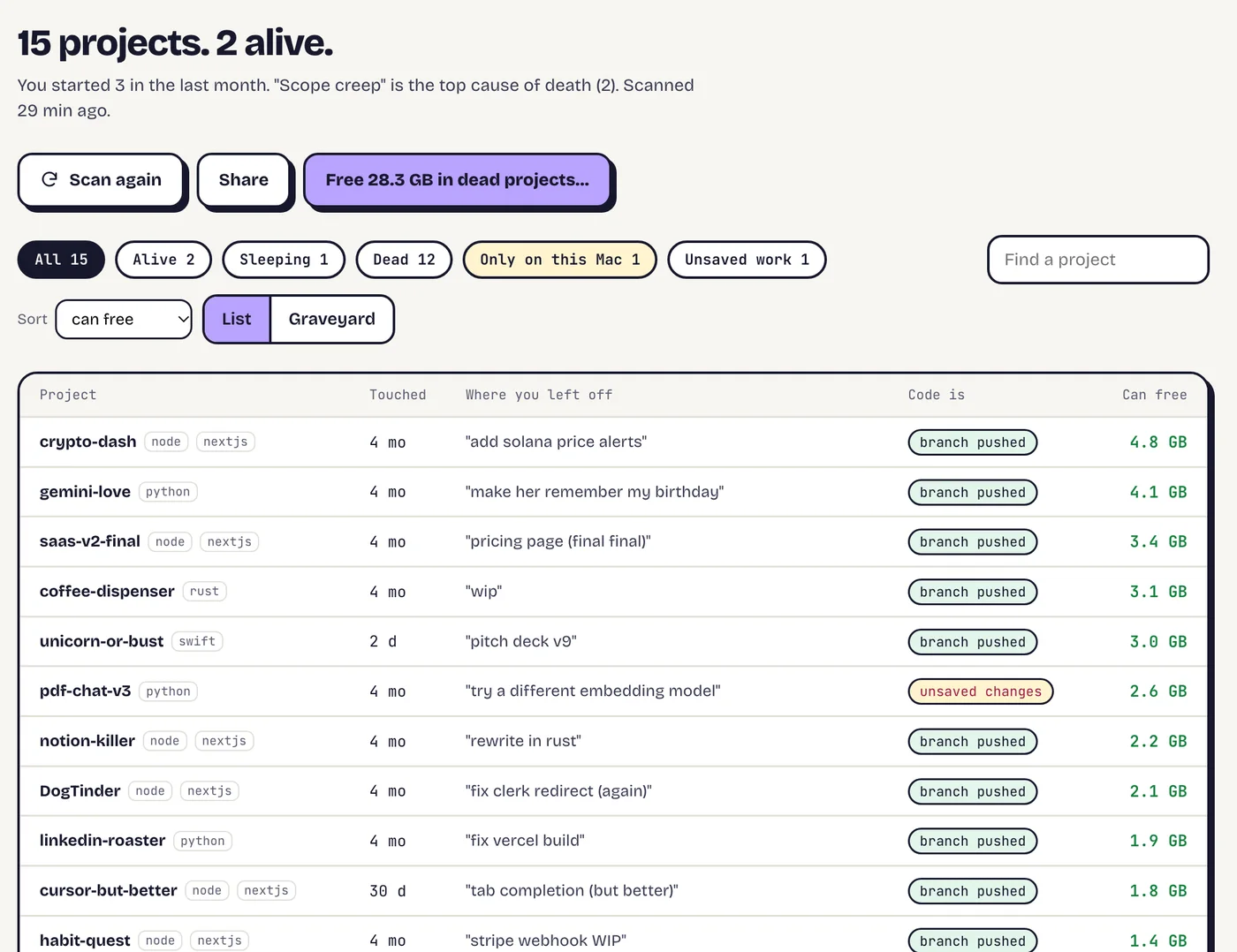
Every project you started. Most of them dead.
It finds every coding project on your Mac and sorts them into alive, sleeping and dead: where you left off, whether the code is safe on GitHub, and how much space each one holds. Prefer tombstones? There's a graveyard view too.
Leaked keys
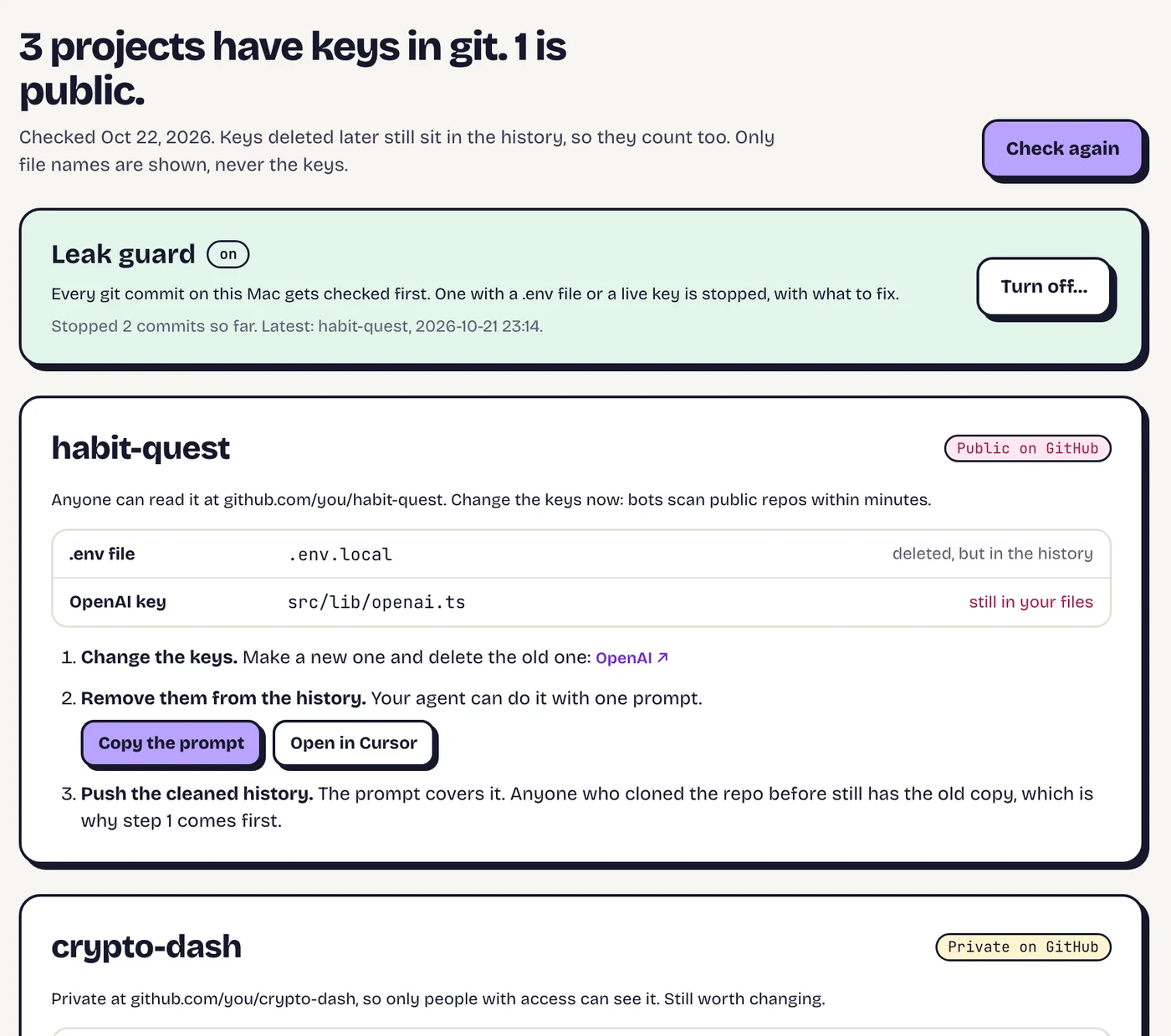
The key your agent committed in March.
It checks every project's whole git history for .env files and live keys: Stripe, GitHub, AWS, OpenAI, Anthropic and more. You see where and what kind, never the key itself, with the page to change it and a prompt your agent can run to scrub the history.
Then turn on Leak guard: every git commit on your Mac, yours and your agents', gets checked first. One with a key in it never happens.
Your AI week
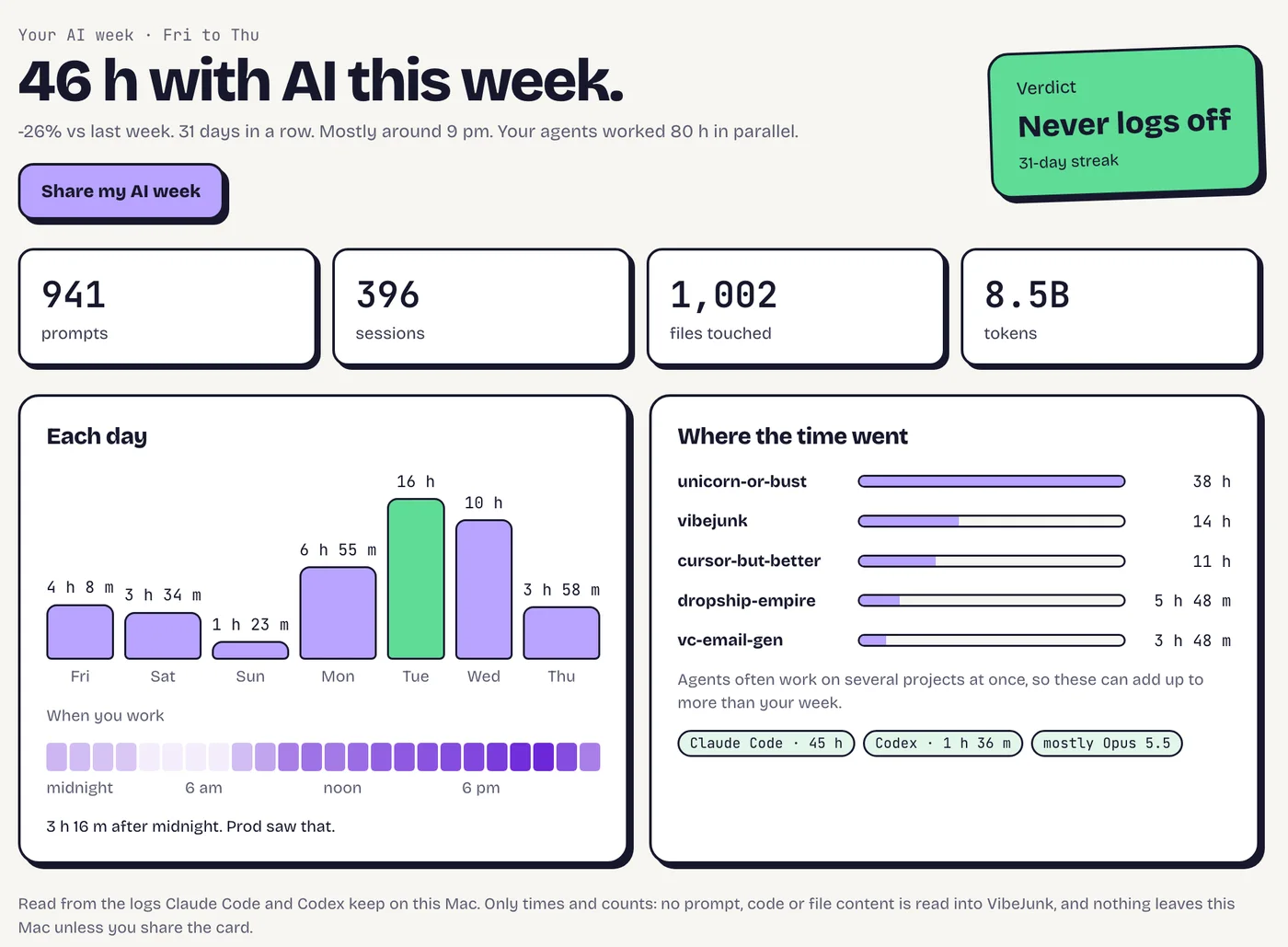
46 hours with AI. Post it, or don't.
Reads the Claude Code and Codex logs already on your Mac: hours with AI, agent time, prompts, your busiest day and a verdict. One click makes a card to post, with project names hidden if you like.
Real app screens, with made-up projects.
And the rest
Running
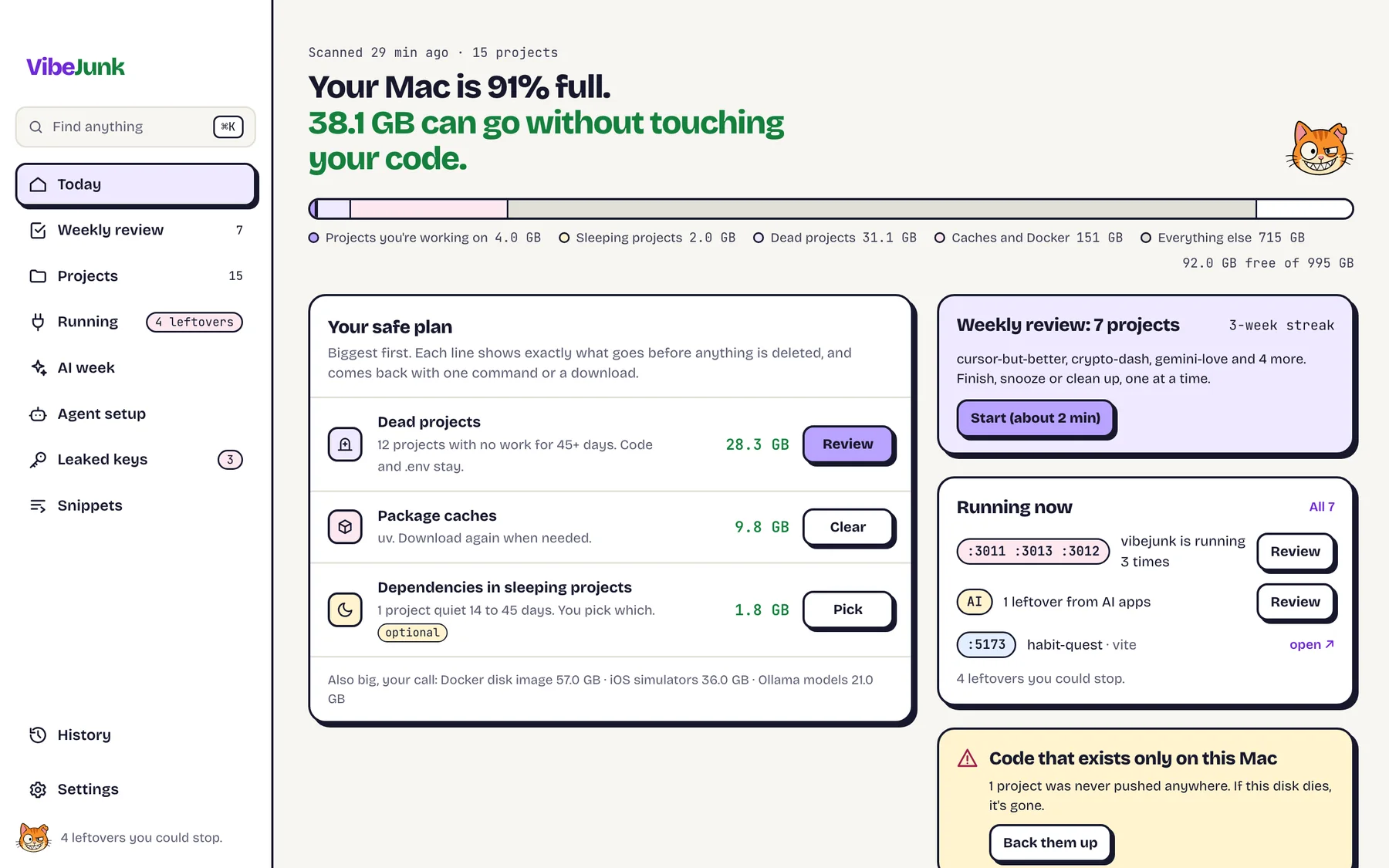
Every dev server and MCP helper still running, who started it, and the leftovers you can stop.
Agent setup
Every MCP server your AI apps can start, with the risky ones flagged, and what each agent keeps on disk.
Weekly review
One project at a time: finish it, snooze it or clean it up. Two minutes on a Monday.
Back up to GitHub
Code that only lives on this Mac goes to a private repo in one click, after a check for secrets.
Snippets
The prompts you type every day become ;shortcuts that expand in any app. Every emoji by name.
Monday digest
One notification a week: your AI hours, space you could free, new leaked keys.
Prod knocks things off tables. Not your code.
Nothing goes without a look
Every folder is listed before it goes, macOS asks you to confirm, and Undo brings it back.
Your code is never touched
Only node_modules, build caches and the like: things one install or build brings back. Never your code, .env files or git history.
Nothing leaves your Mac
Scans, logs and keys stay on this Mac. Cards are made locally and go only where you post them.
No account
Open it and it scans. No sign-up, no email, no tracking.
Questions
What does it cost?
Nothing. It’s free.
Does anything leave my Mac?
No. Scanning, cleaning and the AI-week numbers all happen locally. The only things that go online are the ones you click: backing a project up to GitHub, opening the page to change a key, or posting a card.
Can it delete something I need?
It only removes folders that come back with one install or build, only after you’ve seen the list and macOS has asked, and Undo reinstalls them. Code, .env files and git history are off limits.
Windows or Linux?
Mac only, macOS 13 Ventura or later.
When can I get it?
Soon. The download button turns on the day it’s ready. Follow along on X to hear first.
Prod is still cleaning his own Mac.
The download opens soon. Free, Mac only, nothing leaves your machine.